A course, hole by hole
Morris, take us round [your club] hole by hole
 He walks you through the course hole by hole before you play.

Morris in groups
He makes the pairs from your handicaps, keeps the list of who's in and answers Rules questions with the rule's number. He speaks only when you name him.
We are opening groups a few at a time.
Add him to the group
If you are not an admin, ask one of them to.
Name him
Write in the group:
Morris, introduce yourself
The first time, he introduces himself: who brought him, what he does, that he does not keep the group's conversations and how to switch him off.
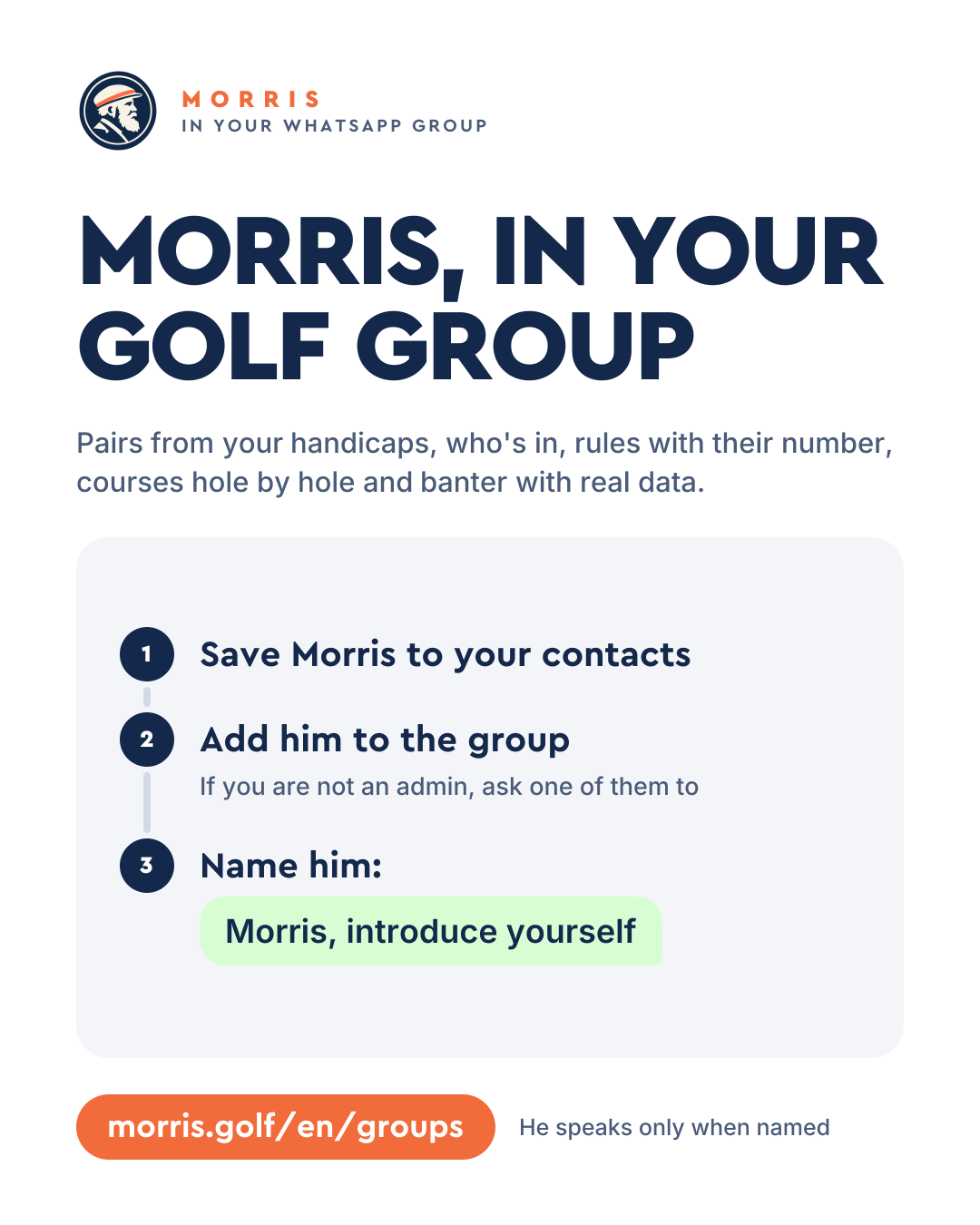
Tell the group
Forward this card before you add him and everyone will know what's coming.
Open the cardTap “Copy”, paste it in the group and Morris answers right there.
Balanced pairs
Morris, make us balanced pairs for Saturday with our handicaps
He balances them on each player's handicap.
Who's in, and when
Morris, who's in for Sunday?
He keeps the list of who's coming and the tee times.
Rules with their number
Morris, my ball is in a puddle on the fairway, can I take relief without penalty?
He answers with the rule's number, checked.
Banter with real data
Morris, who's played best this month?
With real data from whoever gave him permission.
A course, hole by hole
Morris, take us round [your club] hole by hole
He walks you through the course hole by hole before you play.
In the group he does not book green fees or send reminders.
He answers when called and looks after everyone's golf.
He never speaks first. He answers when you name him, when you reply to one of his messages, or when whoever just talked to him carries on within the next 3 minutes.
He talks only about the rounds, handicap, stats and swing of whoever asks him and of those who gave him permission.
To give him permission
Morris, you can show my golf
Anyone in the group can switch him off at any time.
To switch him off
Morris, switch off
Whoever names him must already play with Morris. Anyone who doesn't gets their link to sign up in a minute.
Only whoever names him. Anyone who doesn't play yet gets their link from Morris to sign up in a minute.
When you name him, when you reply to one of his messages, or when whoever just talked to him carries on within the next 3 minutes. He never speaks first.
He talks only about the rounds, handicap, stats and swing of whoever asks him and of those who gave him permission. To give it, write in the group “Morris, you can show my golf”.
Ask one of them: they save Morris to their contacts and add him to the group. You can send them this page or the card.
Anyone in the group writes “Morris, switch off”.
We are opening groups a few at a time. If he doesn't join when you name him, try again in a few days.
He does not book green fees or send reminders.
To bring him into the group, start playing with him yourself. Signing up takes a minute.
Message Morris